
Turn any device into a POS
Your team may already have additional checkout devices in their hands.
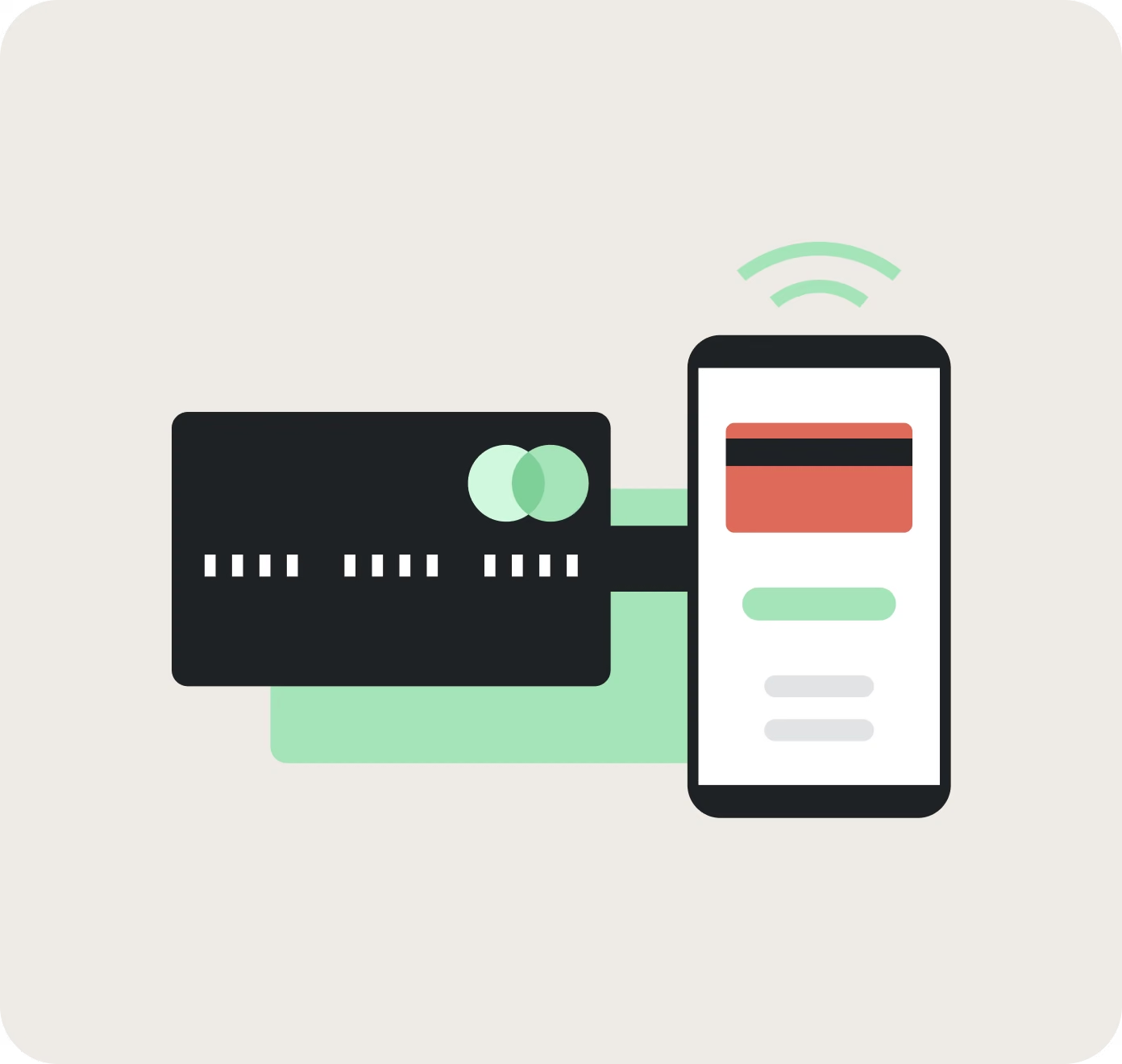
SuperSonic Tap-to-Pay turns compatible iPhone and NFC-enabled Android devices into connected contactless checkout points. No separate card reader. No dock. No additional payment terminal.
Every mobile sale stays connected to the same SuperSonic POS platform that runs your store.
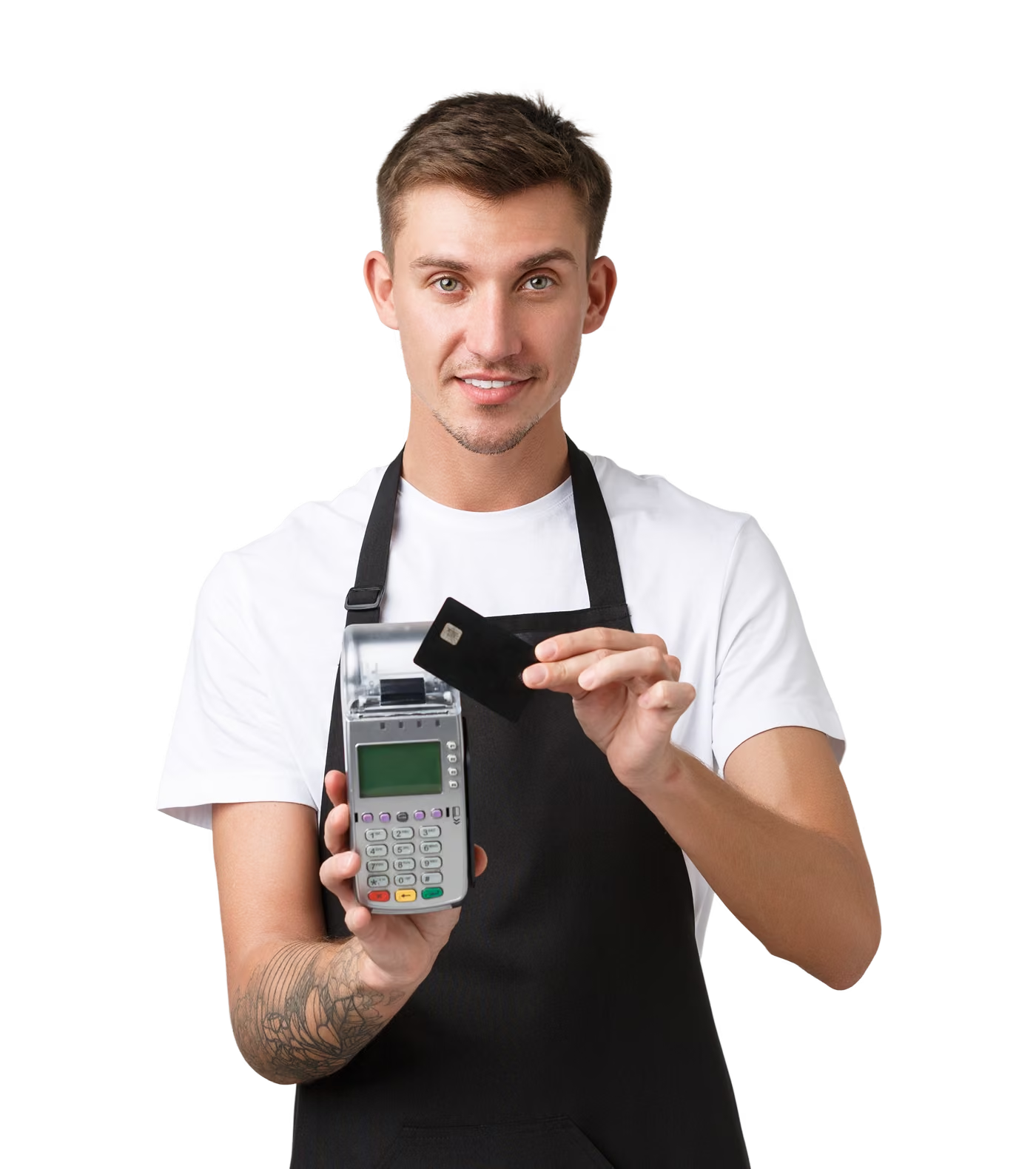
Add checkout capacity without buying another terminal
Lines build quickly. A register goes down. An event comes up. A curbside customer is ready to pay.
Traditional terminals have to be ordered, configured, installed, and assigned to a checkout point. That can slow your response when demand changes unexpectedly.
SuperSonic Tap-to-Pay lets authorized employees use compatible devices to accept supported contactless payments through the SuperSonic POS app.
Activate another checkout point when traffic increases. Scale back when the rush is over.
No new counter. No extra reader. More flexibility when you need it.
Full POS connectivity, not just payment acceptance.
Accepting a payment is only one part of completing a sale.
A disconnected mobile payment app can leave your team updating inventory, loyalty, and reporting separately after the transaction.
SuperSonic Tap-to-Pay extends your existing POS workflow to compatible mobile devices.
Accept contactless payments anywhere you sell.
Customers can present a supported contactless card or digital wallet directly to the compatible device.
This gives your team another way to:
- Complete sales on the store floor
- Bust lines during peak traffic
- Accept curbside payments
- Support delivery transactions
- Maintain checkout during hardware downtime
Your employees can take checkout to the customer instead of sending every customer back to the counter.
More places to sell. Fewer reasons to lose the transaction.
Protect payments on approved devices
Using an employee-owned or company-issued phone should not mean giving up control over payment security.
SuperSonic Tap-to-Pay uses supported contactless payment technology on compatible devices. Payment acceptance remains inside the authorized SuperSonic environment rather than running through an unrelated consumer payment app.
Only approved users and compatible devices should be activated. Device and application requirements help protect the payment workflow whether the transaction happens at a primary lane or on a mobile device.
Connected access. Consistent controls. No separate reader to manage.
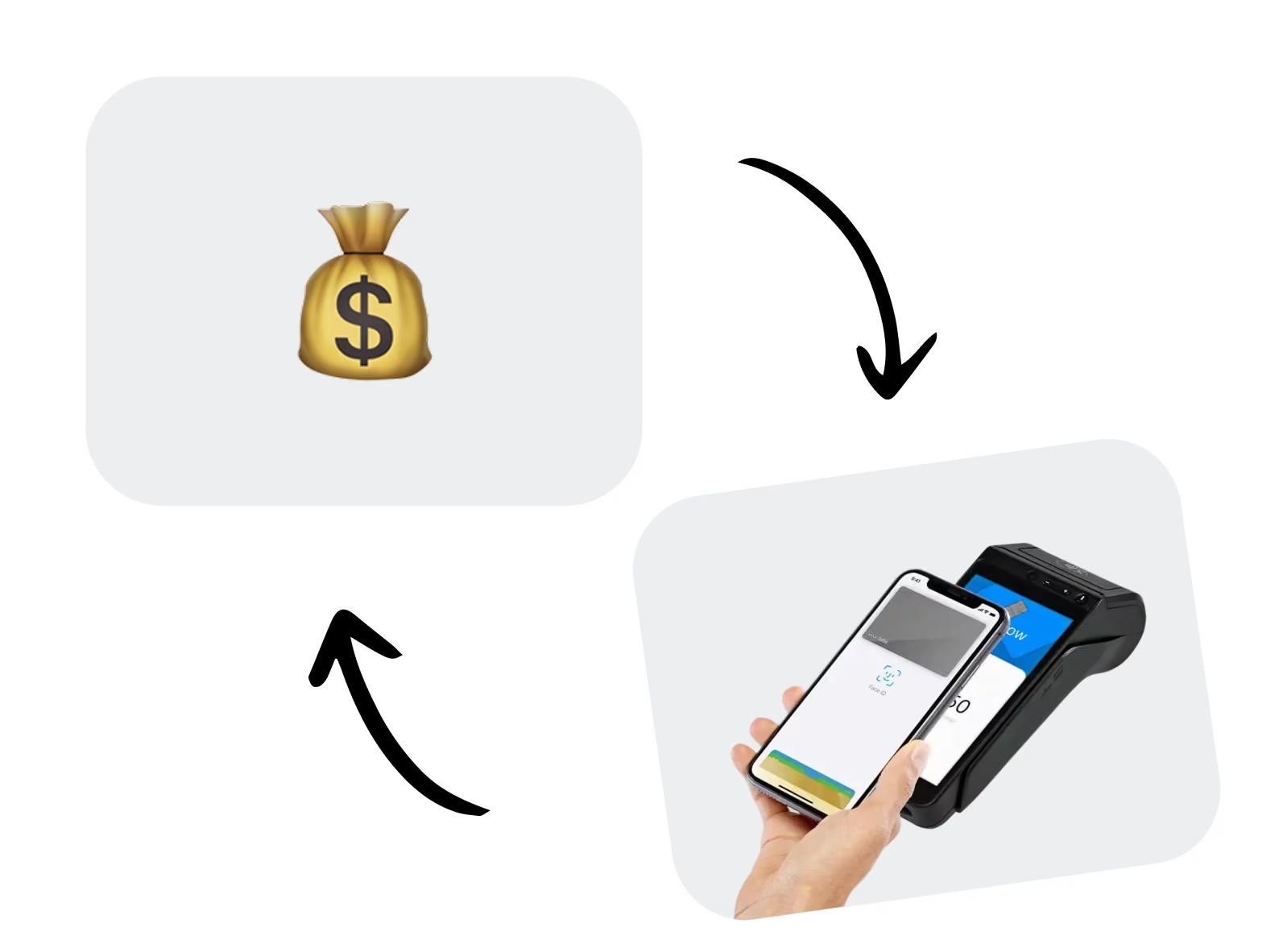
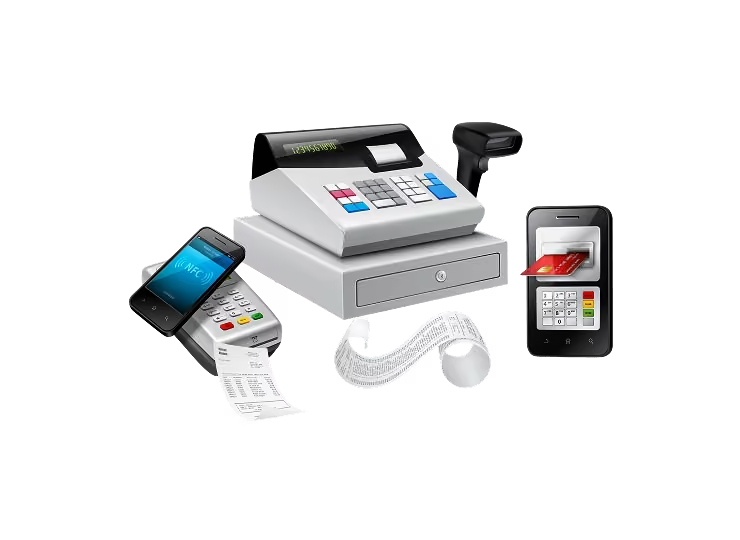
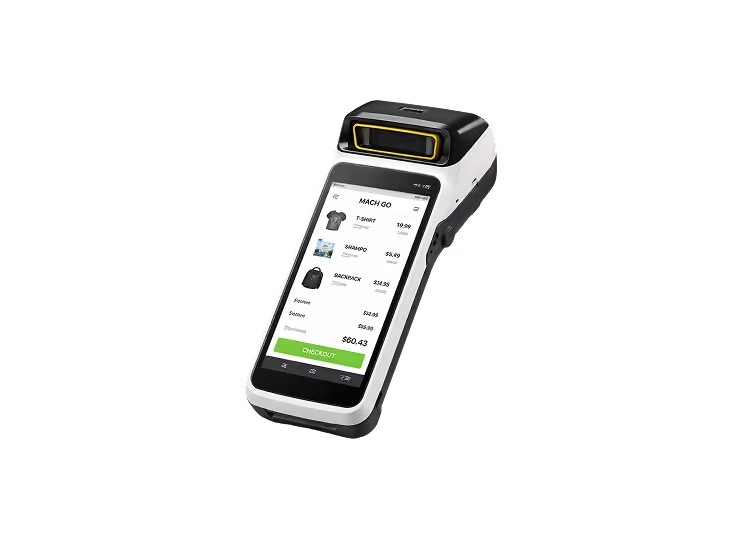
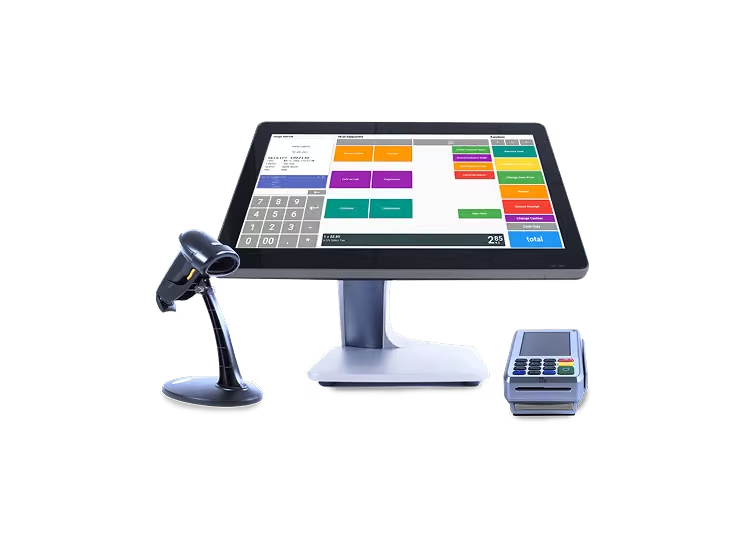
Use tap-to-pay alongside your SuperSonic hardware
Tap-to-Pay does not have to replace the hardware already running your store.
Build the right mix for each selling environment:
Keep every mobile sale connected through SuperSonic Cloud
Mobile transactions should not create another dashboard for managers to check.
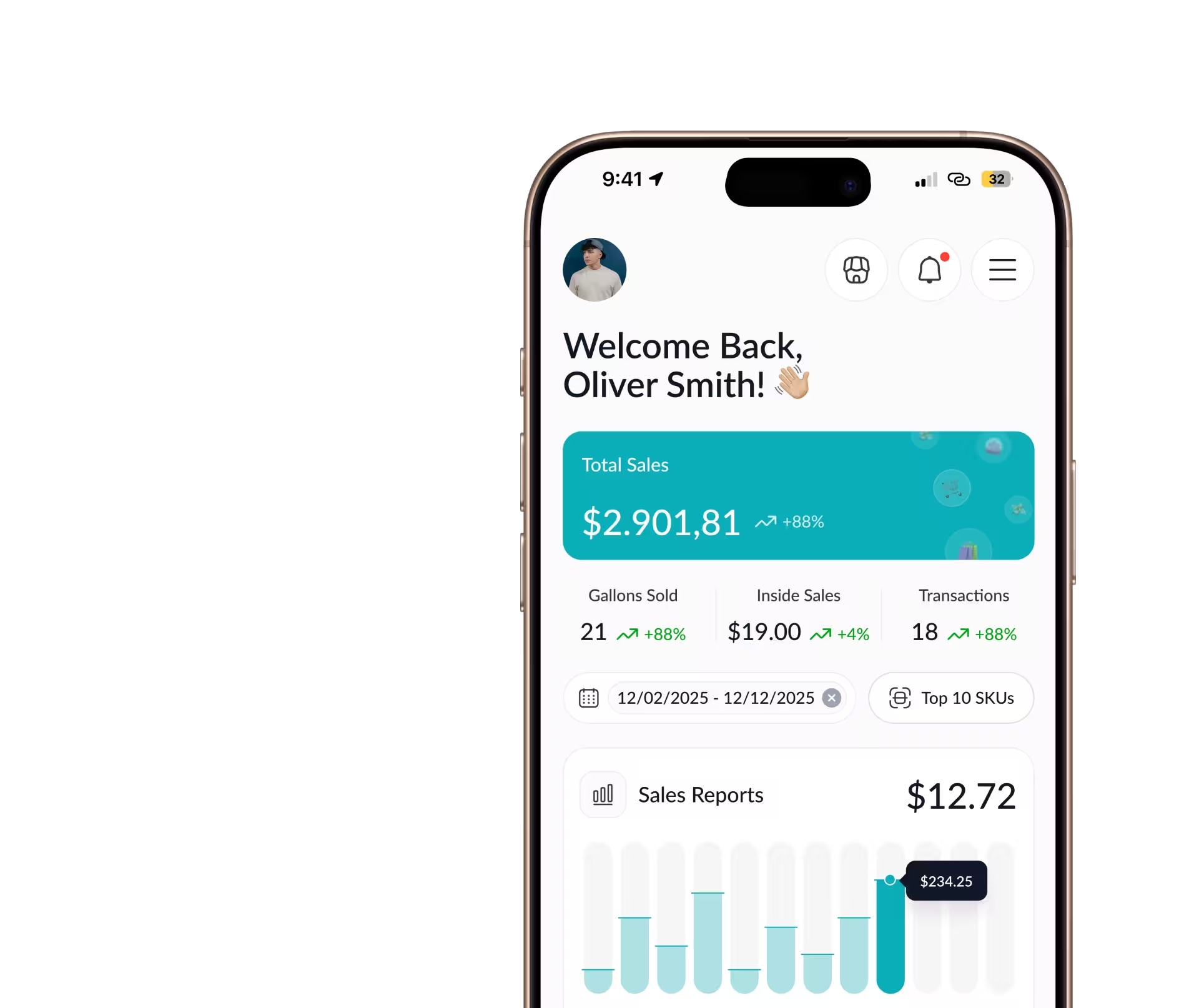
SuperSonic Tap-to-Pay connects transaction activity with SuperSonic Cloud. Sales totals, inventory activity, employee performance, and reporting remain visible alongside your other POS transactions.
You can see what was sold, where the transaction happened, and how it contributed to the business.
Every counter sale. Every mobile sale. One connected view.
FAQs
A Tap to Pay POS system lets a compatible smartphone accept supported in-person contactless payments without a separate card reader. The customer taps a contactless card or digital wallet against the merchant’s phone. SuperSonic goes beyond basic payment acceptance by keeping supported mobile sales connected to POS pricing, taxes, inventory, loyalty, employee activity, and reporting.
Yes. A compatible iPhone or NFC-enabled Android device can accept supported contactless cards and digital wallets through an approved Tap to Pay application. Device model, operating system, NFC capability, security settings, processor configuration, and geographic availability can affect compatibility. SuperSonic can confirm which devices are supported for a merchant’s deployment.
Tap to Pay solutions use device-level security and validated payment technology designed for contactless acceptance on compatible consumer devices. Merchants should only activate approved devices, keep operating systems and applications updated, protect employee credentials, and follow the device requirements provided by their POS and payment provider. Security certification applies to the complete payment solution, not to a phone by itself.
Tap to Pay can reduce the need for additional readers when a business only needs to accept supported contactless payments on a mobile device. It is useful for line busting, floor sales, curbside checkout, events, and overflow. Dedicated POS hardware may still be better for primary lanes that require barcode scanning, receipt printing, inserted chip cards, cash handling, customer displays, or sustained high-volume use.

Ready to expand checkout without buying more terminals?
See how SuperSonic POS Tap-to-Pay helps you increase flexibility, protect margins, and add selling power instantly.