
POS Employee Scheduling & time clock built for better labor control
Your POS should control labor, not just sales.
Labor is one of your largest expenses. If you only understand what happened after payroll runs, you are already too late.
SuperSonic Time Clock & Scheduling connects employee scheduling, time tracking, overtime, breaks, and real-time labor costs directly to your POS and SuperSonic Cloud. That gives you the visibility to make staffing decisions before they impact your margins.


Stop managing employee schedules in spreadsheets
When time tracking lives on a wall clock and schedules live in spreadsheets, managers spend hours reconciling shifts, correcting missed punches, and recalculating overtime.
Your workforce tools should live where your business already runs.
Employees clock in directly on the SuperSonic register using secure PIN access. Each punch is automatically recorded, timestamped, and stored in the cloud. Managers create and publish schedules inside SuperSonic Cloud, where updates sync across locations.
No paper schedules.
No text message chains.
Less manual cleanup before payroll.
Build employee schedules around real demand
Overstaffing slow shifts increases labor costs. Understaffing busy periods puts more pressure on your team.
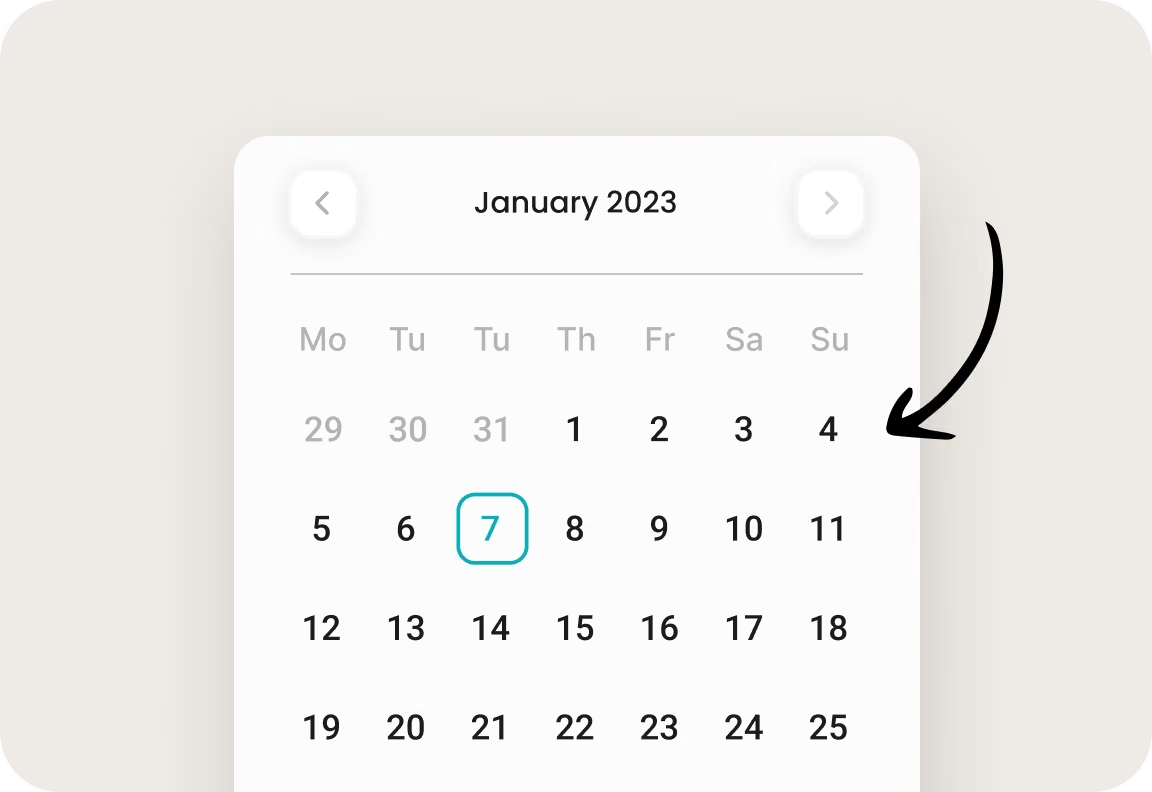
SuperSonic Cloud shows historical sales and labor trends so you can build employee schedules around how your business actually performs. Copy previous weeks, assign roles by location, and adjust staffing levels before the shift begins.
Instead of reacting to labor costs after the week ends, you can plan around them in advance.
Control overtime before it hits payroll
An overtime report after the fact does not protect your margins.
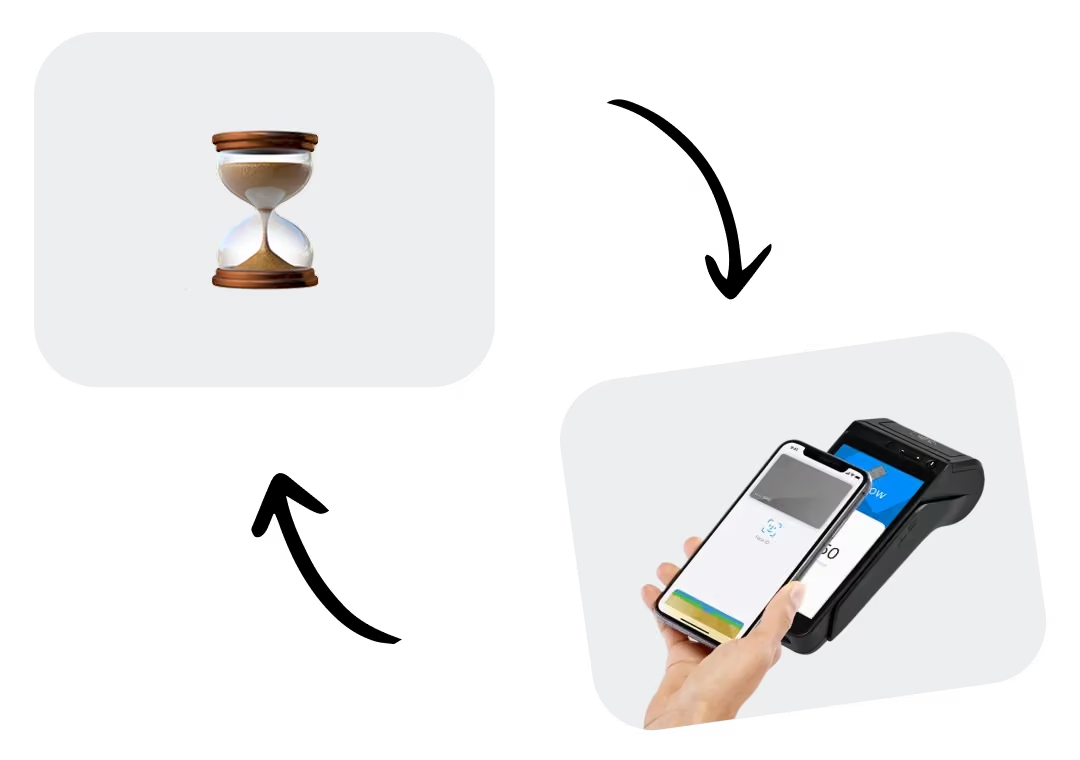
SuperSonic alerts managers when employees approach overtime thresholds, giving you time to adjust coverage before the additional hours are locked in.
Send someone home early. Reassign coverage. Shift hours before overtime becomes a surprise.
Better visibility turns overtime into a decision you can manage.
Track breaks and potential compliance issues in one place
Break requirements can vary by state, and incomplete records create unnecessary risk.
SuperSonic tracks paid and unpaid breaks within each shift and flags potential issues for review. Documentation stays stored in the system, giving managers a clearer record when questions arise.
Less manual monitoring. Better documentation. More visibility.

See labor cost as a percentage of sales
How much of today's revenue is going to labor right now?
SuperSonic shows labor cost as a percentage of sales as transactions process, so you can see how staffing aligns with revenue performance while the day is still running.
If labor starts getting ahead of sales, you have a chance to adjust during the shift instead of discovering it after payroll closes.
Labor becomes measurable, manageable, and easier to act on.
Connected to payroll, tips, and reporting
Time Clock & Scheduling is part of the same SuperSonic ecosystem that runs the rest of your operation.
Hours flow directly into SuperSonic Payroll.
Shift data feeds into Tip Management for accurate distribution.
Labor trends appear inside Reporting & Analytics dashboards.
Add an employee once. Update their role once. The changes reflect across scheduling, permissions, and payroll automatically.
One system. Less double entry. Better workforce visibility.
FAQs
A POS time clock and employee scheduling system lets businesses create staff schedules, track clock-ins and clock-outs, monitor employee hours, and connect labor activity with store operations. With SuperSonic, employees clock in directly at the POS while managers manage schedules and labor information through SuperSonic Cloud.
Yes. SuperSonic employees can clock in directly from the POS using their assigned PIN. Their time is recorded and timestamped in the system, giving managers a digital record of employee hours without relying on paper timecards or a separate wall clock.
POS employee scheduling software can help managers match staffing to actual business demand, monitor overtime, and compare labor costs with sales. SuperSonic uses historical sales and labor trends to support scheduling decisions and shows labor cost as a percentage of sales in real time, so managers can make adjustments before the shift is over.
Yes. Connected POS time tracking can reduce the need to move employee-hour data manually between separate systems. With SuperSonic, hours flow into SuperSonic Payroll, shift data connects with Tip Management, and labor trends appear in Reporting & Analytics, keeping workforce information connected to the rest of the operation.

Ready to control labor from your POS?
Scheduling, time tracking, payroll, and labor reporting should not feel disconnected from the rest of your operation.
See how SuperSonic Time Clock & Scheduling helps you track hours, plan staffing, control overtime, and monitor labor costs in real time from the same system that runs your store.