Kitchen Display System (KDS): From the register to the kitchen
The SuperSonic POS Kitchen Display System, or KDS, replaces printed kitchen tickets with a real-time digital order queue connected directly to your POS. Orders move from checkout to the kitchen as soon as they are placed, giving your team a clear view of what needs to be prepared next.
For businesses that combine retail and prepared food, SuperSonic can keep everything inside the same transaction while automatically routing food items into the kitchen workflow. Retail merchandise stays at checkout. Kitchen staff see what they need to prepare.
Less paper. Fewer handoffs. A clearer path from order to pickup.
Paper tickets were never built for a modern kitchen
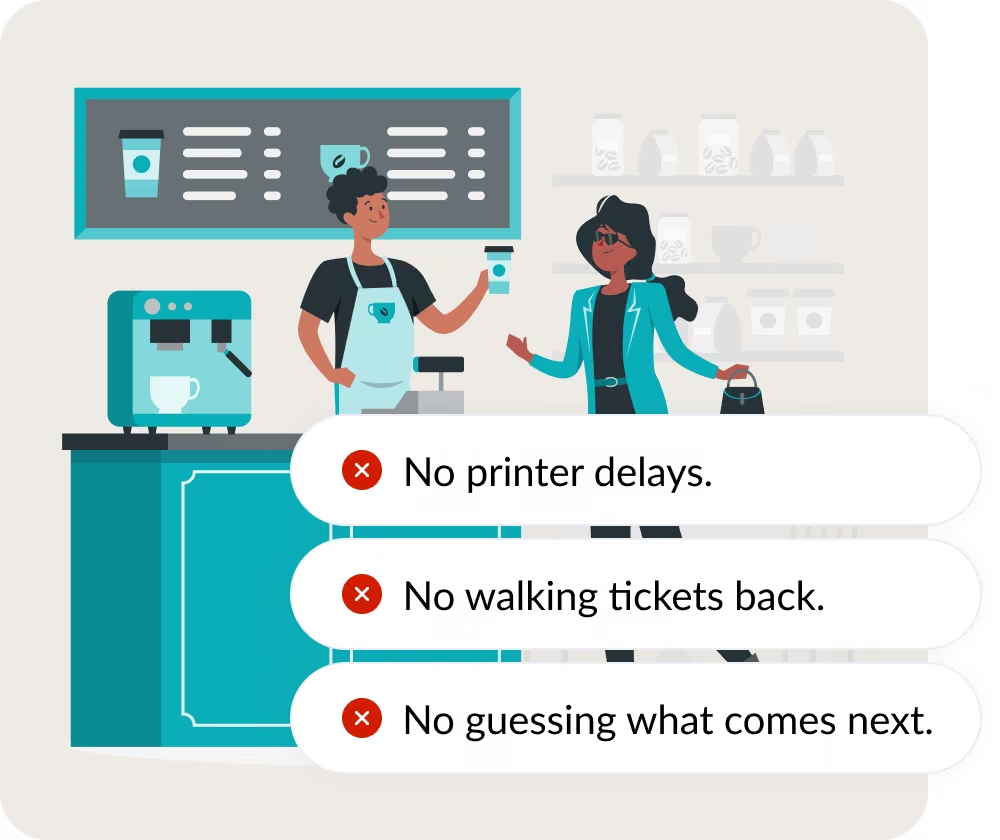
A busy kitchen gives paper plenty of ways to fail.
Tickets pile up. Printers jam. Paper gets damaged. A modifier gets overlooked. An order gets buried behind five others.
A kitchen display system replaces that paper trail with a digital queue that keeps orders visible and organized. Modern KDS platforms are designed specifically to connect front-of-house ordering with back-of-house preparation in real time.
With SuperSonic POS KDS, the moment an eligible order is entered, it appears in the kitchen workflow.
Route orders straight to the right kitchen workflow
Your cashier should not have to explain an order twice.
SuperSonic sends food orders from the POS into the kitchen workflow automatically. For hybrid retail businesses, food items can route to the Kitchen Display System while packaged retail merchandise remains in the normal checkout flow.
Your kitchen sees what needs to be prepared, which order it belongs to, wait time, and more.

Accuracy improves when everything is clear
A fast order is not a successful order if the kitchen has to remake it. Small printed tickets and handwritten notes leave room for missed details.
SuperSonic KDS displays modifiers, special instructions, substitutions, and order details clearly on the kitchen screen.
Less confusion. Fewer mistakes. More consistent orders leaving the kitchen.
Built for real kitchen environments
Heat. Grease. Constant interaction. Busy shifts. Repeated order changes. Kitchen technology has to work where kitchen teams work.
The supplied SuperSonic KDS specification is designed for continuous food-service use and allows kitchen employees to move orders through the queue using touchscreen input or a bump bar.
When an order is completed, staff can clear it from the active queue so the next orders remain visible and organized.
See it. Make it. Complete it. Move to the next order.
Visibility that extends beyond the kitchen
A KDS should tell you more than what is currently being prepared.
It should help you understand where service slows down.
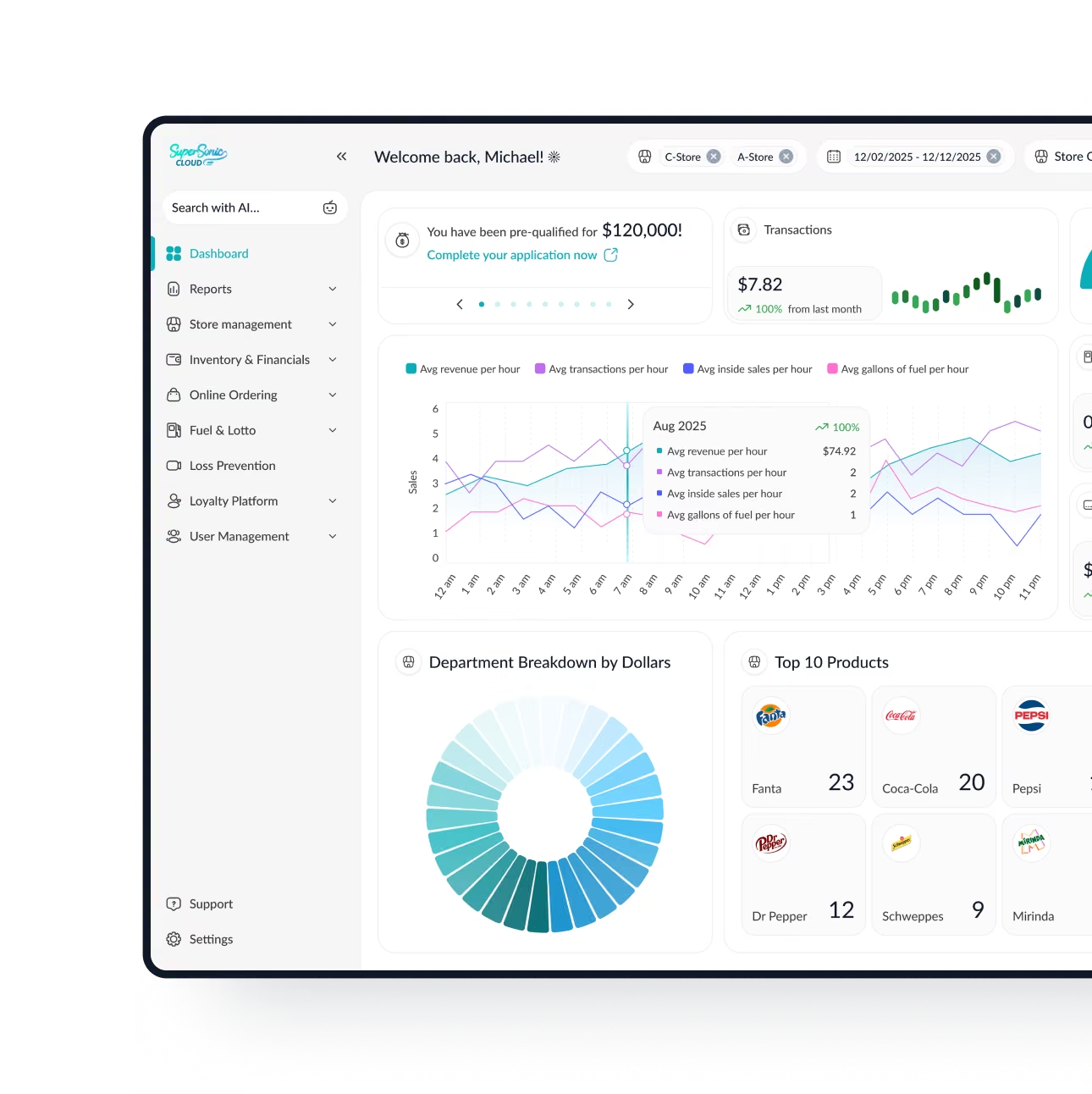
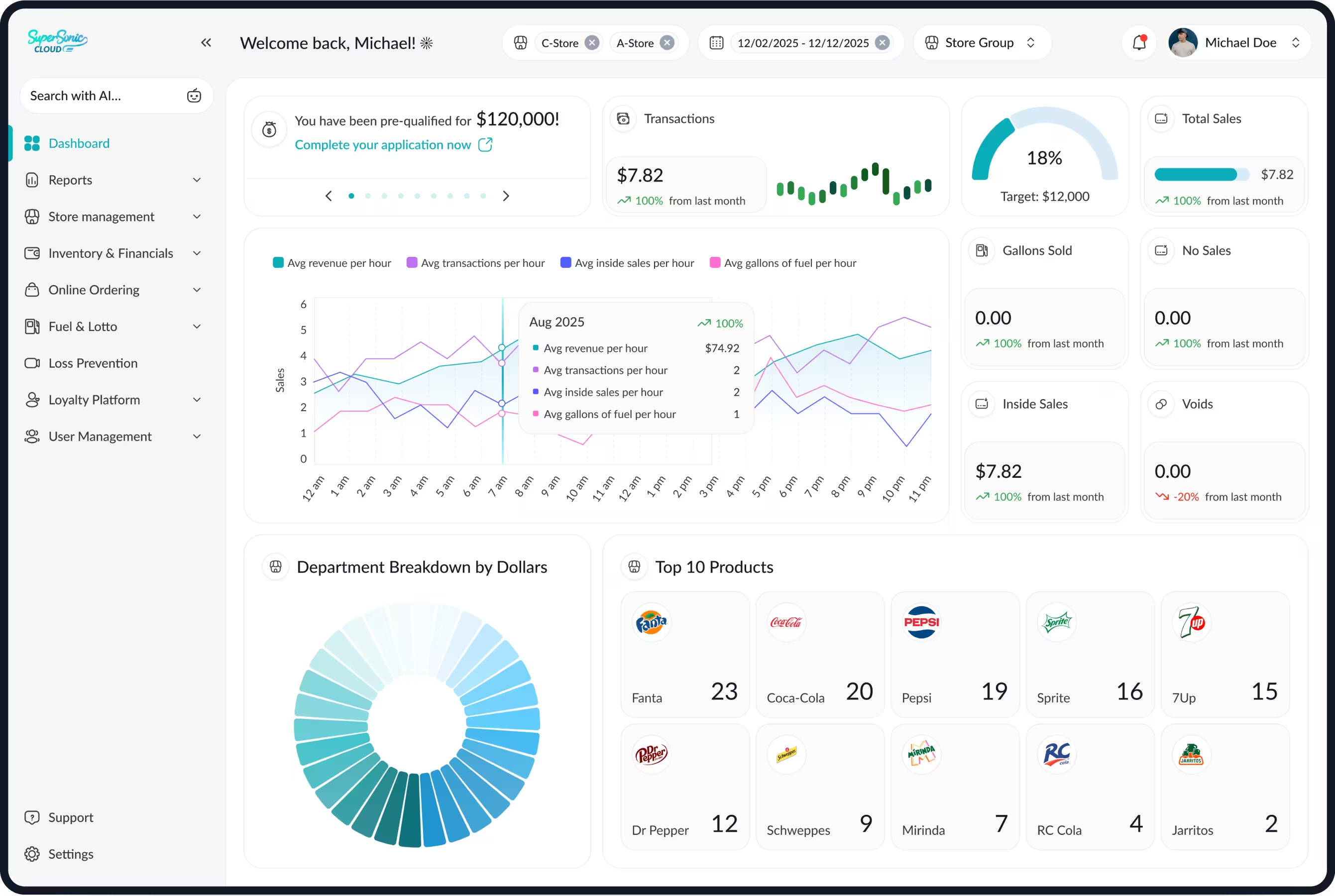
The supplied SuperSonic KDS workflow connects kitchen activity with the broader SuperSonic platform and SuperSonic Cloud. Operators can use that visibility to monitor areas such as:
- Ticket times
- Order-volume trends
- Kitchen performance patterns
- Bottlenecks during peak hours
You are not just replacing a printer.
You are turning kitchen order flow into information you can actually use.
Built for high-volume food operations
A Kitchen Display System is not only useful for traditional restaurants.
SuperSonic KDS is built for businesses where prepared food has to move quickly and stay connected to the same operation handling checkout and reporting.
It is ideal for:


One kitchen queue. Multiple ways to order. Less scrambling when volume hits.
FAQs
A kitchen display system, or KDS, is a digital order-management system that replaces or supplements paper kitchen tickets. Orders entered through the POS appear on kitchen screens in real time so cooks can see what needs to be prepared, review modifiers and special instructions, track order status, and complete tickets digitally. Modern KDS platforms can also route different items to specific prep stations.
A POS sends order information directly to the kitchen display when an eligible order is placed. Instead of a cashier printing or carrying a ticket to the kitchen, the KDS displays the order digitally and can route items to the appropriate preparation workflow. With SuperSonic, prepared-food items can enter the kitchen workflow while retail merchandise remains part of the same connected transaction, which is particularly useful for convenience stores and other retail-food hybrid businesses.
Yes, when those ordering channels are integrated with the POS and KDS. SuperSonic's current QSR platform routes orders from the front counter, self-service kiosk, website, and supported third-party delivery channels into the kitchen workflow so staff can manage incoming food orders from one organized queue. Modern KDS platforms from providers such as Square and Toast similarly combine multiple order sources and route them into kitchen preparation workflows.
Yes. A KDS can be especially useful when a convenience store, grocery store, or other retailer adds made-to-order food. SuperSonic's hybrid-retail workflow can separate food preparation from the retail portion of a transaction automatically, sending food items to the Kitchen Display System while packaged merchandise stays in the normal register workflow. That helps a store add prepared food without creating a completely separate ordering system for the kitchen.

Ready to remove paper from your kitchen?
A better kitchen workflow starts with making every order easier to see, understand, and complete.
Replace paper ticket rails with real-time digital order management and keep checkout, preparation, and reporting connected through the same SuperSonic ecosystem.