The POS that turns time into paychecks
Your POS already tracks when employees clock in, how many hours they work, when they reach overtime, and the tips they report.
Payroll should not begin with exporting reports, rebuilding timecards, and entering the same information into another system.
SuperSonic Payroll connects directly to SuperSonic POS so approved hours, overtime, tips, and employee records flow into the payroll process.
Review the numbers. Approve the run. Pay your team.

Stop re-entering hours, tips, and overtime
Every pay period can turn into the same administrative project.
Pull the time records. Fix missed punches. Enter the hours into payroll. Add tips. Recalculate overtime. Then go back and check everything again.
Your POS already has the information payroll needs.
SuperSonic Payroll connects with the time clock and employee records inside SuperSonic POS. Approved hours, configured overtime, and reported tip data populate the payroll workflow without rebuilding the pay period in a spreadsheet.
Less retyping. Fewer opportunities for mistakes.
Run payroll with better data already in place
Payroll errors often begin before the calculations start. A missed timecard, incorrect overtime total, or unreported tip can affect an employee’s paycheck and create more work for your team.
SuperSonic Payroll calculates:


Calculations are based on the approved employee, time clock, and tip information already connected to the payroll run.
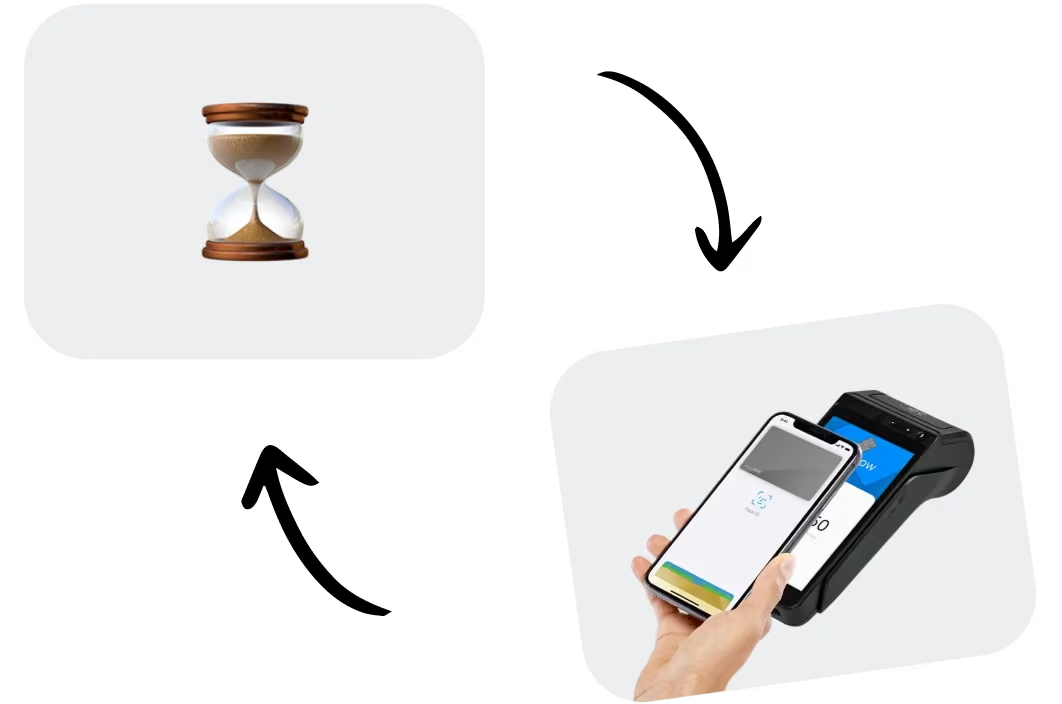
Pay your team on time. every time.
Employees depend on their pay arriving when expected. Late or inconsistent payroll creates stress for your team and more questions for your managers.
SuperSonic Payroll includes direct deposit and digital pay stubs within the same connected workflow.
Once payroll is reviewed, approved, and scheduled, your team can be paid without printing checks or making a separate trip to the bank.
Reliable pay supports a reliable team.
Keep payroll taxes and forms organized
Payroll involves more than calculating hours and wages. Your business also needs to manage tax withholdings, reporting deadlines, and year-end employee documents.
SuperSonic Payroll supports:
- Automatic tax withholding
- Payroll tax reporting
- W-2 generation and year-end documents
- Payroll coordination across multiple locations
Employee information, time records, and payroll activity stay connected instead of being recreated in separate systems.
One payroll workflow. Fewer disconnected records.

See labor costs before they cut into margin
Labor is a major operating cost for many retail stores and restaurants. Waiting until the end of the month to review payroll expenses makes it harder to respond when overtime or staffing costs begin increasing.
SuperSonic Payroll connects with SuperSonic Cloud, giving you visibility into:


Do not just process payroll. Understand what it is costing your business.
Keep every employee record connected
Adding an employee in several different systems creates duplicate work and increases the chance that information becomes inconsistent.
SuperSonic Payroll operates within the same connected platform as:
- Employee time clocks and scheduling
- Employee records and permissions
- Sales and performance reporting
- Multi-store management
Add a new employee once, then use the same connected record for scheduling, POS access, time tracking, and payroll.
When employee information changes, your team does not have to update it in several disconnected systems.
FAQs
SuperSonic POS is an all-in-one point-of-sale, payment processing, and cloud-based business management platform built by store owners, for store owners.
From processing transactions and managing inventory to tracking sales and reducing losses, SuperSonic brings everything you need to run your business into one connected platform.
With SuperSonic, you get more than a POS system. You get the tools, insights, and support to take control of your operations, make smarter decisions, and get more out of every store.
Whether you're running a single neighborhood store or managing multiple locations, SuperSonic is built to help businesses of all sizes operate smarter and grow.
Our platform supports convenience stores, gas stations, liquor stores, smoke and vape shops, grocery stores, supermarkets, quick-service restaurants, and specialty retailers.
Every business operates differently. That's why SuperSonic offers flexible hardware, integrated payments, and industry-specific tools designed to fit the way you work.
With SuperSonic, you can:
- Speed up checkout: Process transactions quickly and accept credit, debit, EBT, eWIC, OTC, and other supported payment methods.
- Take control of inventory: Manage products, pricing, purchase orders, and stock levels from one platform.
- Monitor your business from anywhere: Access real-time sales, reporting, and performance insights across one or multiple locations.
- Reduce losses: Identify suspicious transactions, monitor employee activity, and connect transaction data with security footage.
- Keep customers coming back: Build loyalty with rewards programs, gift cards, promotions, and customer engagement tools.
- Connect your operations: Manage online ordering, delivery integrations, and supported fuel operations without juggling disconnected systems.
From the checkout counter to the back office, SuperSonic helps you spend less time managing systems and more time growing your business.
POS payroll software connects employee information from a point-of-sale system with the payroll process. It can use approved timecards, hours worked, overtime, and reported tip data from the POS to prepare payroll without requiring the operator to enter the same information into a separate system. SuperSonic Payroll connects directly with SuperSonic POS so employee and payroll data remain in one workflow.
Yes. Payroll software that integrates with a POS time clock can use approved clock-in and clock-out records to populate employee hours for the pay period. Managers should still review missed punches, timecard edits, and overtime before approving payroll. SuperSonic connects approved time clock information with payroll so operators do not have to rebuild employee hours manually.
POS payroll software can calculate overtime using configured pay rules and include tip information connected to employee records. SuperSonic Payroll supports regular wages, configured overtime, credit card tips, and reported cash tips. Managers can review these amounts before approving the payroll run, helping reduce errors caused by manual calculations and duplicate entry.
Yes. Multi-location payroll software can help calculate tax withholdings, coordinate payroll records across stores, produce payroll tax reports, and generate W-2 forms. Requirements may vary based on employee work locations, business registrations, and applicable federal, state, and local rules. SuperSonic Payroll keeps employee, time, payroll, and location data connected to make the process easier to manage.

Ready to spend less time running payroll?
Payroll should not require hours of exports, spreadsheets, duplicate entry, and manual calculations.
See how SuperSonic Payroll connects your POS time clock, employee records, overtime, tips, direct deposit, payroll reporting, and labor data in one streamlined workflow.
Clock in. Review. Run payroll.