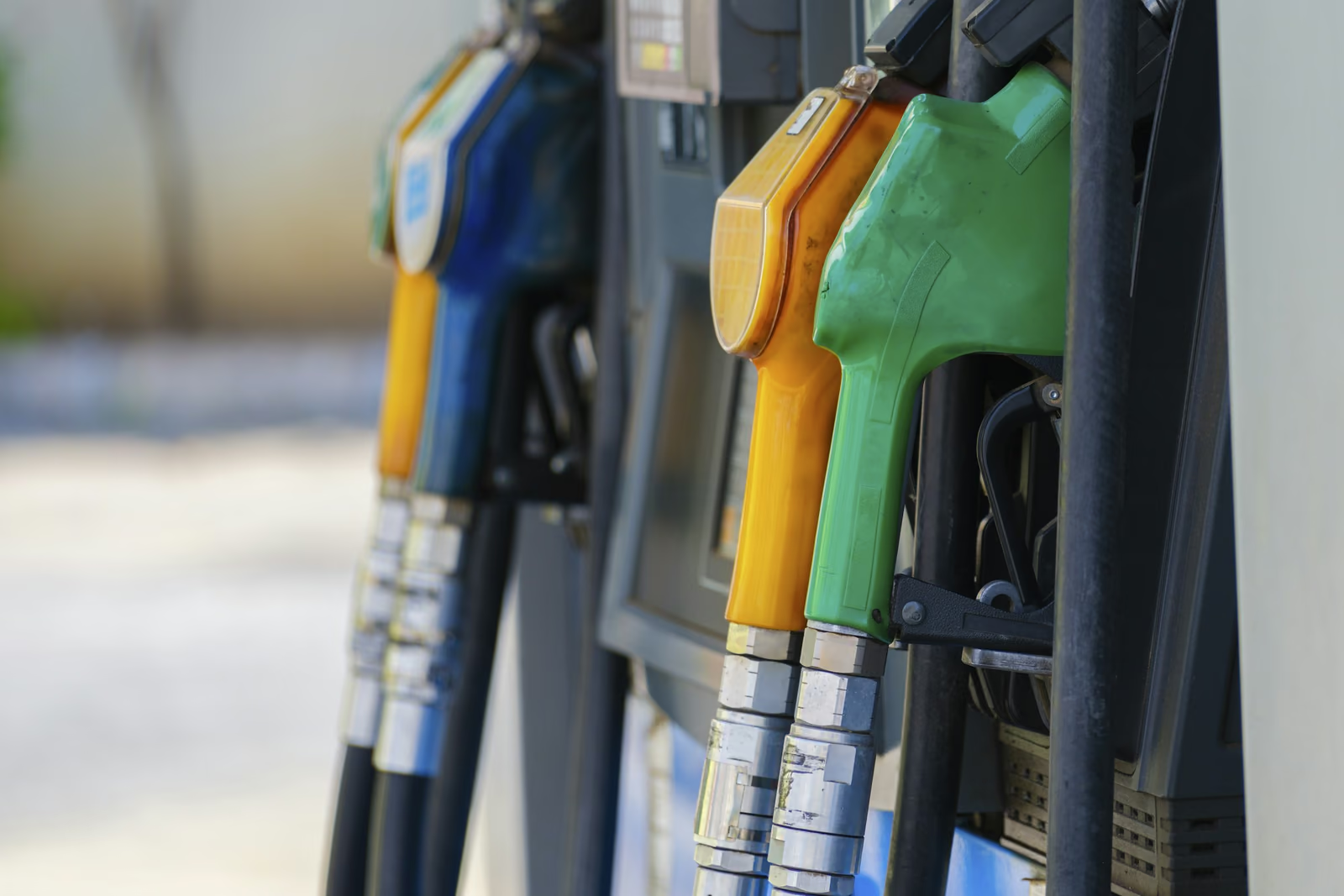
If your Verifone Commander or Ruby setup is getting old, you do not have to rip out your pumps. You can keep your fuel hardware and change the POS around it. SuperSonic connects to the fuel controller your station already runs, so the store, fuel and reports move to one modern system.
The key is finding a solution that works with your existing operation while giving you more control over how you run your business.
When Your Fuel Controller Starts Holding Your Station Back
Running a gas station already involves plenty of moving parts. Between managing fuel transactions, convenience store inventory, payment processing, and daily reporting, your technology should be making things easier, not adding more work.
For many independent operators, their existing Verifone Commander, Ruby2, or Gilbarco Passport setup has served them for years. But as their business evolves, they may start looking for solutions their current configuration doesn't provide.
Maybe your register is slowing down checkout. Maybe managing fuel and in-store sales requires switching between different systems. Or maybe you're spending too much time piecing together reports just to understand how your gas station performed that day.
The issue isn't necessarily that your equipment has stopped working.
It's that your business needs more from the technology running it.
Upgrading your POS system can be an opportunity to rethink how your entire station operates.
5 Signs It's Time to Modernize Your Gas Station POS
Not every aging fuel controller needs immediate replacement. But there are some clear signs that your current setup may no longer be meeting the needs to keep your business running every day.
1. Your Fuel and Convenience Store Systems Feel Disconnected
Fuel sales and in-store purchases are part of the same business. They shouldn't require entirely separate workflows to manage.
If you're manually comparing transactions, switching between reporting platforms, or struggling to get a complete picture of your daily sales, your current setup may be creating unnecessary work.
A connected fuel POS system helps bring these operations together, making it easier to manage the entire site.
2. Everyday Transactions Take Too Many Steps
Your employees shouldn't need complicated workarounds to process a fuel prepayment or ring up a customer buying gas and convenience-store items together.
During busy periods, unnecessary steps at checkout can slow down your store and make transactions more difficult.
Modernizing your POS gives you an opportunity to simplify these workflows and make checkout more efficient for both employees and customers.
3. You're Spending Too Much Time on Manual Reporting
How easily can you answer these questions?
- How much fuel did we sell today?
- How are our convenience-store sales performing?
- Which products are moving fastest?
- Are our fuel and retail transactions reconciling correctly?
- How are our different locations performing?
If answering these questions means pulling reports from multiple systems, there's room to improve.
Modern cloud-based reporting can make it easier to monitor performance without waiting until the end of the day or being physically present at the store.
4. Your Existing Equipment Limits Your Options
Older hardware configurations may limit your ability to introduce new features, update payment technology, or connect with other systems.
That doesn't always mean replacing everything.
It means understanding which components still support your needs, which can be upgraded, and where your current infrastructure may be holding you back from improving.
5. You Want to Do More With Your Store
Maybe you're looking to introduce a loyalty program, improve inventory management, simplify tobacco scan data reporting, or gain better visibility across multiple locations.
Your existing POS may handle basic transactions, but is it helping you make the most of your business?
A modern gas station POS should do more than process payments. It should give you the tools to operate more efficiently and identify new opportunities for growth.
Do You Have to Replace Your Fuel Pumps to Upgrade Your POS?
No, not necessarily. Many gas stations can modernize their POS or forecourt-control technology while keeping compatible fuel dispensers.
One of the biggest concerns operators have when considering a Verifone Commander alternative or Gilbarco Passport upgrade is the potential cost of replacing existing equipment.
But your fuel pumps, site controller, register, and payment terminals are different components of your station's technology.
Understanding how they work together is important before deciding what needs to change.
Here's What Each Component Does
Fuel dispensers
Purpose: Deliver gasoline or diesel to customers.
What to Consider When Upgrading: Existing dispensers may be retained if they're compatible with the proposed system.
Forecourt controller
Purpose: Manages communication between pumps, payment systems, and POS infrastructure.
What to Consider When Upgrading: Your existing controller may need to be upgraded or replaced depending on the solution.
POS register
Purpose: Processes fuel prepayments and in-store purchases.
What to Consider When Upgrading: Modern systems may offer improved checkout workflows and connected retail features.
Payment equipment
Purpose: Handles card transactions inside and outside.
What to Consider When Upgrading: Existing equipment must meet applicable payment and compatibility requirements.
Back office software
Purpose: Manages reporting, pricing, inventory, and other operations.
What to Consider When Upgrading: Cloud-based tools can provide more centralized visibility and control.
For example, a station using Verifone Commander with an older Ruby2 register may have different upgrade requirements than a station running a Gilbarco Passport POS configuration.
The same applies to branded and unbranded fuel stations, which may have different equipment and payment requirements.
Before investing in a complete replacement, work with a provider who can evaluate your current infrastructure and explain which components can stay.
The goal should be to modernize what needs improving, not replace equipment unnecessarily.
What to Look for in a Verifone Commander Alternative
If you're considering upgrading from an older Verifone or Gilbarco configuration, don't focus exclusively on the register.
Think about what you need your entire station to do.
Connected Fuel and In-Store Transactions
Your new system should help you manage fuel prepayments, pump activity, and convenience-store purchases through a connected workflow.
When fuel and retail transactions work together, employees can spend less time going between multiple systems and more time serving customers.
More Visibility Into Your Business
Look for reporting that makes it easy to understand what's happening across your station.
That includes fuel sales, retail transactions, inventory, pricing, and overall performance.
For operators with multiple locations, centralized reporting can make managing your business considerably easier.
Better Inventory and Store Management
Running a gas station means managing much more than fuel.
Your POS should support everyday convenience store operations, including:
- Inventory and pricebook management
- Lottery inventory and reconciliation
- Tobacco scan data reporting
- Age-restricted sales
- Promotions and loyalty programs
- Employee management
The more connected these tools are, the less time your team needs to spend managing separate systems.
Flexibility for Future Growth
Your next POS should support where your business is going, not just where it is today.
If you plan to add another location, introduce new services, or expand your loyalty program, consider whether the platform can support those changes.
A modern system should give you more opportunities to grow without rebuilding your technology every time your business evolves.
Support That Understands Fuel Retail
Gas stations operate long hours, and technology issues don't always happen during regular business hours.
Look for a provider that understands the operational requirements of fuel retail and can help when you need assistance.
Support, implementation, and training should all factor into your decision.
How SuperSonic Helps You Get More From Your Gas Station
Upgrading your gas station POS isn't just about replacing older technology. It's an opportunity to get more from the business you've already built.
That's the thinking behind SuperSonic.
Built by store owners for store owners, SuperSonic brings fuel operations, in-store checkout, payments, inventory, and cloud back office management into one connected platform.
Instead of managing your station through disconnected systems, you gain tools designed to help you operate more efficiently, maintain greater visibility, and identify opportunities for growth.
More Control Over Fuel and Retail
SuperSonic connects supported fuel operations with convenience-store checkout, helping your team manage pump authorizations, fuel prepayments, payments, and retail purchases through a unified POS environment.
That means fewer disconnected workflows and a clearer picture of the transactions happening across your station.
More Visibility Into Daily Performance
With SuperSonic Cloud, you can access reporting and operational insights without relying entirely on manual reconciliation.
Monitor fuel activity, review in-store sales, manage pricing, and stay informed about how your locations are performing.
Whether you're behind the register or away from the store, better visibility helps you make more informed business decisions.
More Opportunities Beyond the Pump
Every customer who stops for fuel represents an opportunity to build a stronger retail business.
SuperSonic provides tools that help convenience-store operators do more, including loyalty programs, lottery management, inventory controls, and tobacco scan data reporting.
These capabilities can help you encourage repeat visits, manage products more effectively, and take advantage of eligible rebate opportunities.
More Support for the Way You Operate
SuperSonic was developed by people with firsthand retail experience.
With in-house development and 24/7/365 U.S.-based support, the company focuses on solving the operational challenges merchants face every day.
Whether you're managing one independent gas station or several locations, SuperSonic is built to help you get more out of your operation without unnecessary complexity.
More visibility. More control. More possibilities for your store.
How to Upgrade Your Gas Station POS Without Unnecessary Disruption
If you're considering replacing your existing Verifone Commander, Ruby2, or Gilbarco Passport configuration, a successful transition starts with understanding your current setup.
Here's how to prepare.
Step 1: Identify Your Existing Equipment
Start by documenting the hardware and software currently operating at your station.
This includes your fuel dispensers, forecourt controller, POS terminals, payment devices, and network infrastructure.
Make note of any components that are experiencing issues or limiting your operations.
Step 2: Determine What You Actually Want to Improve
Are you trying to simplify checkout? Connect fuel and retail reporting? Improve inventory management? Gain access to better business insights?
Defining your priorities helps you choose a system that solves the right problems.
Step 3: Confirm Equipment Compatibility
Before choosing a replacement, have your existing equipment evaluated.
Not every POS platform works with every fuel controller or dispenser configuration.
Ask which hardware can remain, what might require an upgrade, and whether your fuel brand or payment processor has specific requirements.
Step 4: Evaluate the Entire Platform
Don't choose your next system based on hardware alone.
Consider the functionality you'll use every day, from fuel transactions and reporting to inventory, loyalty, and employee management.
Your POS should support both sides of your business.
Step 5: Plan Your Transition
Work with your provider to understand the installation process, equipment requirements, data migration, and employee training.
Confirm that fuel communications, payments, and checkout workflows will be tested before going live.
The better prepared your station is, the easier it becomes to transition to a new system while minimizing unnecessary disruption.
Frequently Asked Questions About Fuel Controller Upgrades
Can I upgrade my Verifone Commander setup without replacing my fuel pumps?
Potentially. Many gas stations can retain compatible fuel dispensers when upgrading their POS or forecourt-control infrastructure. However, compatibility depends on your existing equipment, payment requirements, and the replacement system. A site evaluation is necessary to determine what can remain.
What is a good alternative to an older Verifone Commander setup?
A good Verifone Commander alternative should support your fuel operation while giving you the checkout, payment, reporting, and store-management tools your business needs. SuperSonic offers a connected fuel POS platform for supported configurations, helping independent operators manage fuel and convenience-store activity together.
Can I replace an older Verifone Ruby2 register without replacing my entire forecourt?
Yes, in some configurations. Your Ruby2 register is only one component of the overall system. Whether other equipment can remain depends on controller compatibility, payment requirements, and your replacement POS configuration.
Can I switch from Gilbarco Passport to another POS system?
Yes, switching from a Gilbarco Passport POS configuration may be possible, but the requirements depend on your existing dispensers, controllers, payment equipment, and fuel brand. Before making a change, confirm which components your new provider supports and whether additional hardware is required.
How much does it cost to upgrade a gas station POS system?
The cost depends on the scope of the upgrade, including the number of registers, existing controller and dispenser compatibility, payment equipment, installation requirements, and software services. A site-specific assessment can help determine which components need replacing and provide a more accurate estimate.
What should I look for when choosing a new fuel POS system?
Prioritize fuel equipment compatibility, connected pump and in-store transactions, secure payment processing, centralized reporting, convenience-store management features, and reliable support. The best solution should address your current operational challenges while giving your business room to grow.